An orthographic camera has no field of view, so 'make it fit' stops being a lens decision and becomes one line of arithmetic.
A perspective camera always leaves you a way out. The frame is wrong, so you widen the field of view, or you back the camera off, and somewhere between those two dials is a combination that puts the subject where you wanted it. An orthographic projection has neither. Parallel lines stay parallel, distance does not change size, and moving the camera further away changes precisely nothing about how big anything appears.
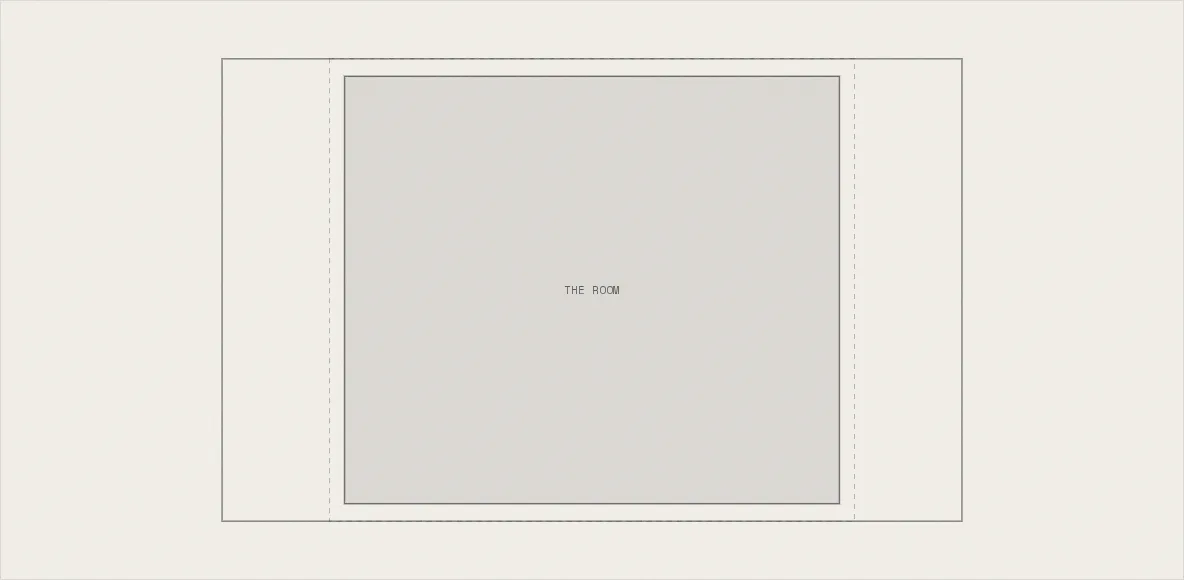
What's left is a single scalar. zoom on a three.js orthographic camera is pixels per world unit, and it's the only thing standing between a room measured in metres and a viewport measured in CSS pixels. So the framing has to be written as a contract. Here is a box of world units that must survive inside the canvas, whatever shape the canvas turns out to be, and the fit is whichever zoom honours it on both axes at once.
One angle, and only one
True isometric isn't a phrase for 'a nice three-quarter view'. It's azimuth 45° and elevation atan(1/√2), about 35.264°, and that second number isn't a taste decision. It's the one elevation at which the three world axes project to equal lengths on screen. A unit along x, y and z all measure the same on the page, which is what lets the diorama read as a drawing of a room rather than a photograph of one.
Two degrees off and nothing looks broken. It just quietly stops being isometric. A rack unit 0.3 tall no longer measures the same as 0.3 of desk depth, and the eye files the whole thing as a mildly odd perspective render. Which is why the config stores the expression and not the value: Math.atan(1 / Math.SQRT2) says why the number is what it is. 0.6155 would only say that somebody once measured something.
 *  The steels above are warm — they were pulled toward the room's own
 *  temperature on purpose — and the robot vacuum's lid is not: consumer
 *  plastics and anodised aluminium in that class are blue-grey, and painting
 *  it warm made it read as another wooden thing. It matters beyond the hue
 *  because the material picks its metals out BY COLOUR (see METAL_GLSL in
 *  roomMaterial); matching the lid to steelDark instead would have widened
 *  the match radius far enough to catch the chair's black upholstery. */
metal: "#3a3a42",
black: "#17171b",
// warm walnut wood family
walnut: "#8a5f3d",
walnutDark: "#6b4830",
walnutLight: "#a5764e",
// lifted out of the pile-up and toward the light cluster — a full box of
// cardboard in daylight is a pale thing, and it needs to separate from the rug
cardboard: "#c9a87c",
// secondary object colours
olive: "#767a5e",
oliveDark: "#5a5e46",
rust: "#b06a48",
rustDark: "#8a4f33",
paper: "#efece6", // whiteboard face
ink: "#3a4440", // whiteboard marker
// the site's violet, kept only for a few tiny brand accents (marker, a book)
purple: "#4a4171",
purpleDark: "#2b2547",The box is authored, not measured
The room is a 14 × 14 floor with 7-unit walls. Turn it 45° and its screen width is the floor's own diagonal, 14√2 ≈ 19.8 units. Its screen height is that diagonal foreshortened by sin(elevation), about 11.4, plus the wall height stood back up by cos(elevation), about 5.7. Which is exactly where the config comment's ~19.8 × ~17.1 comes from. Both numbers fall straight out of the angle, and neither is measured at runtime.
Against that, fitW and fitH are 21 and 18.5. Roughly 6% of horizontal margin and 8% of vertical, and the asymmetry is deliberate: the wall tops sit close to the top edge and the hero copy stacks over the same canvas, so the vertical needs more slack. Couldn't I compute a bounding box instead? Sure, and it would be more accurate and considerably worse, because it would retighten every time a prop moved and the framing would drift along with the furniture.
y is lifted to the projected centroid so floor and wall tops share the vertical paddingdistance at 40 that is 100 units either side of the target, so nothing clips as the camera swingsmin, and what max would cost you
Each axis proposes a zoom of its own: width / fitW and height / fitH. Taking the minimum means the more restrictive axis binds and the other is left with slack, so the box touches the frame in one direction and floats in the other. That slack is not waste. It's the only reason the room never bleeds off an edge.
// the fit. zoom is pixels per world unit: each axis proposes one,
// and min takes the more restrictive
const zx = vw / box.fitW;
const zy = vh / box.fitH;
const zoom = p.useMax ? Math.max(zx, zy) : Math.min(zx, zy);

// the padded fit box
const fw = box.fitW * zoom;
const fh = box.fitH * zoom;
ctx.setLineDash([5, 5]);
ctx.strokeStyle = "rgba(10,10,10,.28)";
ctx.lineWidth = 1;
ctx.strokeRect(vx + (vw - fw) / 2, vy + (vh - fh) / 2, fw, fh);
ctx.setLineDash([]);max is the tempting mistake, because it fills the frame, and a filled frame looks decisive in a screenshot. On a portrait window (a phone held upright, or a browser dragged narrow) the height ratio is the larger of the two, so max scales the room until it fills vertically and the left and right walls run off the sides. The diorama's entire argument is that it's a cutaway room. Lose a wall to the frame edge and you lose the read.
Picking one axis outright is worse than either, because it's only ever right in one orientation. Bind to width and a tall window crops the wall tops. Bind to height and a wide one crops the walls. min is the single rule that survives both without having to know which one it's in.
The same box on a phone and a 4K panel
The fit gets recomputed every frame from the canvas's current pixel size, which is why the rig carries no resize handling of its own. size comes straight off the renderer's store, the next frame's baseZoom follows it, and the room grows continuously as you drag the browser edge. Two divisions and a Math.min per frame. There's nothing to cache and nothing to go stale.
// Leaving the canvas has to relax the camera, and a raycast cannot tell you
// that: the pointer simply stops updating, so its last position keeps the room
// engaged forever. The DOM knows, though — and because the hero's copy and
// buttons are siblings stacked OVER the canvas, moving onto one of them
// changes the hit-test target and fires this too. Which is exactly right:
// reaching for a button is not pointing at the room.
useEffect(() => {
  const el = gl.domElement;
  const enter = () => (onCanvas.current = true);
  const leave = () => (onCanvas.current = false);
  el.addEventListener("pointerenter", enter);
  el.addEventListener("pointerleave", leave);
  el.addEventListener("pointermove", enter);
  return () => {
    el.removeEventListener("pointerenter", enter);
    el.removeEventListener("pointerleave", leave);
    el.removeEventListener("pointermove", enter);
  };
}, [gl]);

// demand-mode (reduced motion) renders only when invalidated — nudge one framegoalZoom = baseZoom * focus.zoom is what keeps the push-ins portable. The monitor's close-up is 6.0, the rack's 3.75, the whiteboard's 3.15. All multipliers, never absolute zooms. A push-in therefore crops the same fraction of the frame on a phone as on a 4K panel, because it never leaves the units the fit established.
The same property is why a larger display doesn't reframe anything. Twice the pixels means twice the zoom, which means the same 21 × 18.5 units of room drawn twice as large. 4K isn't a different composition, it's this composition with more samples in it. The phone genuinely is a different one: a slightly tighter box on a lower centre, so the car still fits inside its band.