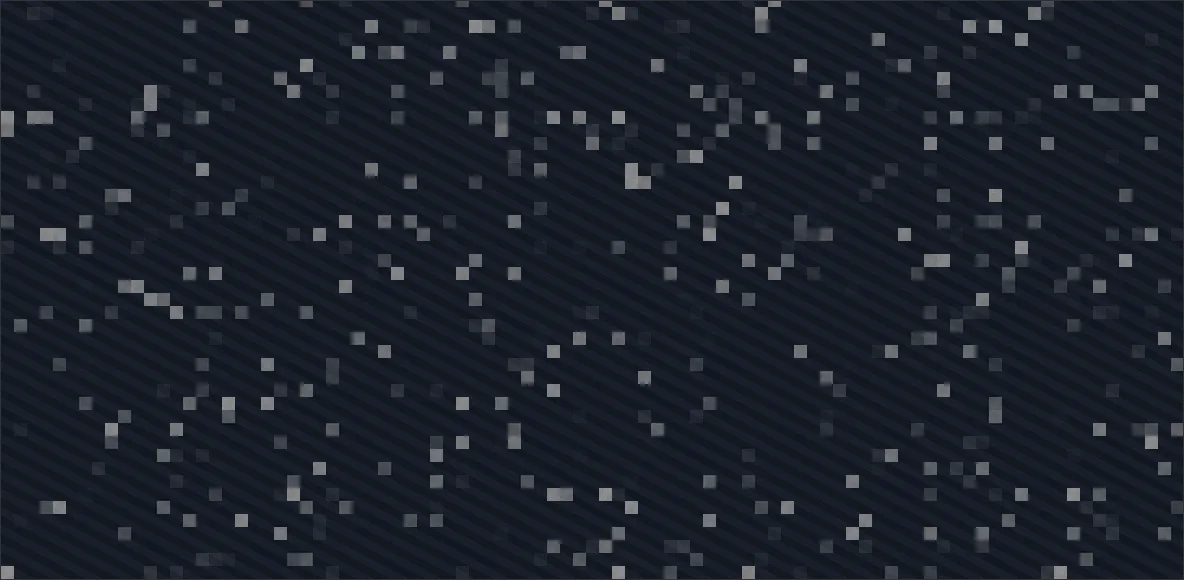
The hover preview on the work index crossfades one project into another three pixels at a time, and the entire mechanism is one floor().
A crossfade between two full-bleed images has the same problem a page transition has: mix(a, b, t) is correct, and it reads as nothing happening slightly slowly. Entry 01 answers that with a continuous field, five octaves of fbm warping a front that has structure at every scale. This is the opposite answer to the same question, and it's four instructions long.
Quantise the fragment coordinate into squares, hash the square, and every pixel inside it gets the same random number. The comparison against progress then happens once per cell rather than once per pixel, so the picture changes in discrete tiles that pop in a scattered order. Nothing about it is organic, and nothing is meant to be.
The floor is the whole technique
floor(f / uCell) does all the work. It maps a range of coordinates onto one integer pair, that pair goes into the hash, and the hash returns one threshold for the whole square. Take the floor away and everything below it still runs, still produces a mask, still animates. It just looks like television static, because a per-pixel threshold gives the eye no structure to lock onto. The demo has a Cell slider so you can watch exactly that happen.
// the whole technique: floor() gives every pixel in a cell the same
// coordinate, so the cell gets one threshold and flips as one square
vec2 cell = floor(f / uCell);

float rnd = hash(cell);
float ord = bayer4(cell);
float threshold = mix(rnd, ord, uOrdered);

// feathered rather than step(), so a cell spends a few frames part-way.
// that window is the only softness in the effect
float m = smoothstep(uProgress - uFeather, uProgress + uFeather, threshold);

gl_FragColor = vec4(mix(b, a, m), 1.0);The cell is measured in device pixels, because gl_FragCoord is. And that distinction earns its keep: the shipped version multiplies the stripe widths by the device pixel ratio on the way into the uniforms and leaves the cell alone, so on a 2× display a cell is 1.5 CSS pixels across and the grid reads as grain, while on a 1× display it's three and you can see the squares. Both are fine. A cell that changed apparent size between the two displays would not be.
1 there is no cell and this is a per-pixel dissolve; past about 12 the squares stop being texture and start being tiles0 it is step() and every cell flips inside a single frameWhat ships on the work index
The shipped program is fourteen lines of GLSL, one of which is an interpolated hash function. stripe() is one more: two statements packed onto a single line, which dot the fragment onto a unit direction and step() the fractional part. That's the entire drawing side of the panel. Each project carries an angle, a width and two colours, and those four values become the pattern the crossfade runs between.
export const DISSOLVE_VERT = /* glsl */ `
attribute vec2 p;
void main(){ gl_Position = vec4(p, 0.0, 1.0); }
`;

export const DISSOLVE_FRAG = /* glsl */ `
precision highp float;
uniform vec2 uRes; uniform float uProg;
uniform float uAngA, uWA; uniform vec3 uC1A, uC2A;
uniform float uAngB, uWB; uniform vec3 uC1B, uC2B;
float stripe(vec2 f, float a, float w){ vec2 d = vec2(cos(a), sin(a)); return step(0.5, fract(dot(f,d)/(2.0*w))); }
${HASH}
void main(){
  vec2 f = gl_FragCoord.xy;
  vec3 a = mix(uC1A, uC2A, stripe(f, uAngA, uWA));
  vec3 b = mix(uC1B, uC2B, stripe(f, uAngB, uWB));
  float n = hash(floor(f/3.0));
  float m = smoothstep(uProg-0.13, uProg+0.13, n);
  gl_FragColor = vec4(mix(b, a, m), 1.0);
}
`;Driving it is four assignments. The pattern currently on screen gets copied from B into A, the newly hovered row's pattern becomes B, progress resets to zero, and a flag goes up for the tick to advance it. The first hover is the exception and takes the early return: both slots get the same pattern, progress parks at 1, and the panel appears already resolved instead of dissolving in from whatever happened to be in the buffer. (That early return exists because the first version didn't have it, and the panel's first appearance was a dissolve from garbage.)
// first appearance: park at the target instead of lerping in from 0,0
if (first) {
  const pos = posRef.current;
  pos.tx = pos.x = columnX();
  pos.ty = pos.y = columnY(window.scrollY);
}

if (!glReadyRef.current) {
  if (canvasRef.current) canvasRef.current.style.background = stripeCss(projects[i].stripe);
  return;
}
if (first) {
  setPat(aRef.current, i);
  setPat(bRef.current, i);
  progRef.current = 1;
  dissolvingRef.current = false;
  renderGL();
  return;
}
copyPat(bRef.current, aRef.current);
setPat(bRef.current, i);
progRef.current = 0;
dissolvingRef.current = true;A hard edge and a soft one
A bare step(uProg, n) would be correct, and it would look cheap. Each cell would flip in the frame its threshold got crossed, and the whole transition would be a field of instantaneous binary switches. Feathering the comparison to smoothstep(uProg - 0.13, uProg + 0.13, n) gives every cell a window 0.26 of the sweep wide to cross in. That's about 86 ms of the 330, five frames at 60 Hz, and it's what turns a switch into a transition. It's also the only softness in the whole effect.
The feather isn't free at the ends, though, and the shipped version doesn't pay for it. Progress sweeps 0 → 1, so at the start every cell that hashed below 0.13 is already part-way across before anything has moved, and at the finish every cell above 0.87 (roughly one in eight) stops before it has arrived.
Random threshold, ordered threshold
The threshold doesn't have to be random. Swap the hash for the rank of the cell within a repeating 4×4 block and the same mask, at the same cost, produces something entirely different: a regular pattern that fills in a fixed order. The demo blends between the two on a uniform, which is the honest way to compare them. One toggle, nothing else changed. (Full disclosure: the ranking in the demo is a cheap approximation of the classic Bayer order, four step() calls instead of the true bit-reversed interleave. Close enough to show the character difference, and the comment in the shader admits it.)
// the 4x4 ordered rank as arithmetic, so no texture upload. this ranking is a
// cheap stand-in for the true bit-reversed Bayer interleave: close enough that
// the eye reads the same even spread at 4x4
float bayer4(vec2 c) {
  vec2 i = floor(mod(c, 4.0));
  float x = i.x,
    y = i.y;
  float v = 0.0;
  v += step(2.0, x) * 8.0;
  v += step(2.0, y) * 4.0;
  v += step(1.0, mod(x, 2.0)) * 2.0;
  v += step(1.0, mod(y, 2.0)) * 1.0;
  return v / 16.0;
}What each one reads as is the point. The random threshold reads as a dissolve, because there's no order to anticipate. Cells resolve in a scatter and the eye gives up predicting the next one. The ordered threshold reads as printing: the pattern repeats every four cells, so the viewer sees a texture arriving rather than a picture changing. The work index takes the hash. A four-cell repeat at a 330 ms sweep would put a visible screen door over the one moment the page is asking to be looked at.